Listen. Mark. Share.
Scrub the waveform, skip 10 seconds, add markers and share audio from a marker to the next or to the end. Your original stays unchanged.
Capture a thought in a tap. Turn speech into text,
then search saved transcripts for the words you remember.

Free to try. Lifetime Pro. No subscription. Free or Pro?
Available now: REC 1.3.1. Preview the upcoming 1.4 update.
A name. A deadline.
That idea from the meeting.
A SAVED TRANSCRIPT, FOR EXAMPLE
We should review the first draft on Thursday, then share it with the team.
No match in this example. Try “draft” or “team”.
Remember the words.
You don't need to remember the title.
A LOOK AT THE NEXT UPDATE
REC 1.4 is pending release. The App Store currently offers 1.3.1.
These previews show the upcoming update, not the version available today.
Scrub the waveform, skip 10 seconds, add markers and share audio from a marker to the next or to the end. Your original stays unchanged.
Fix punctuation and add headings in the transcript editor. Recall the original transcript whenever you need it. No automatic AI rewriting.
Select several takes together. Deleted recordings stay in Recently Deleted for 10 days, with restore and permanent-delete options.
In 1.4, the player, markers, clip sharing, transcript editing and Recently Deleted are available without Pro. Manual transcription keeps its free allowance; unlimited and automatic transcription remain Pro. Danish online recognition is recommended, with an explicit choice and permission.
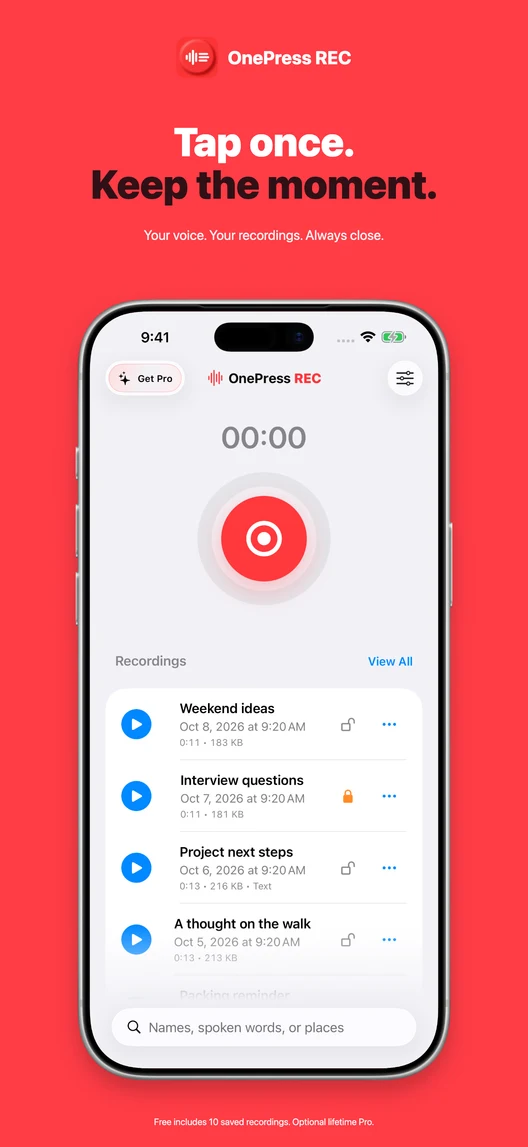
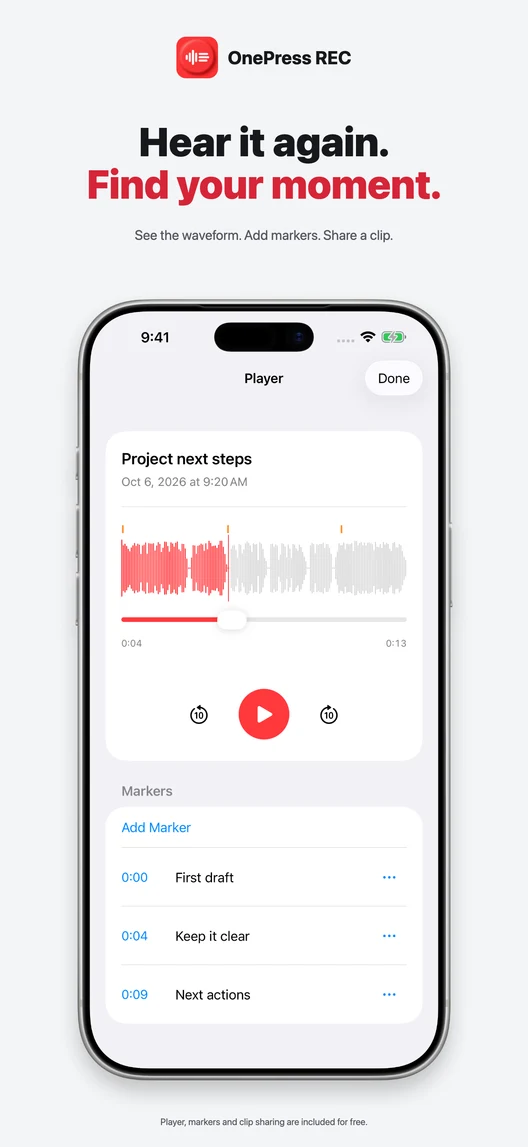
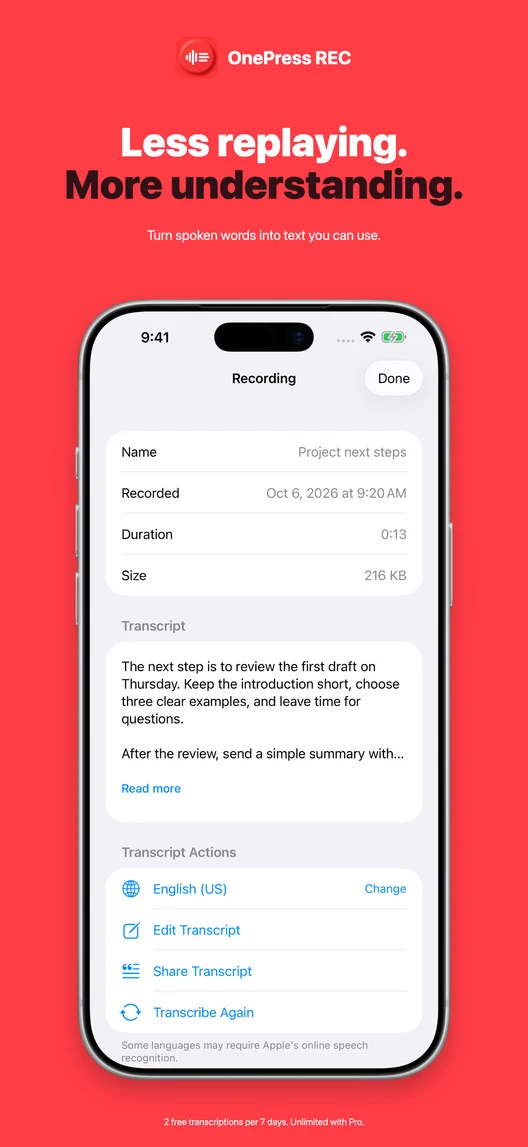
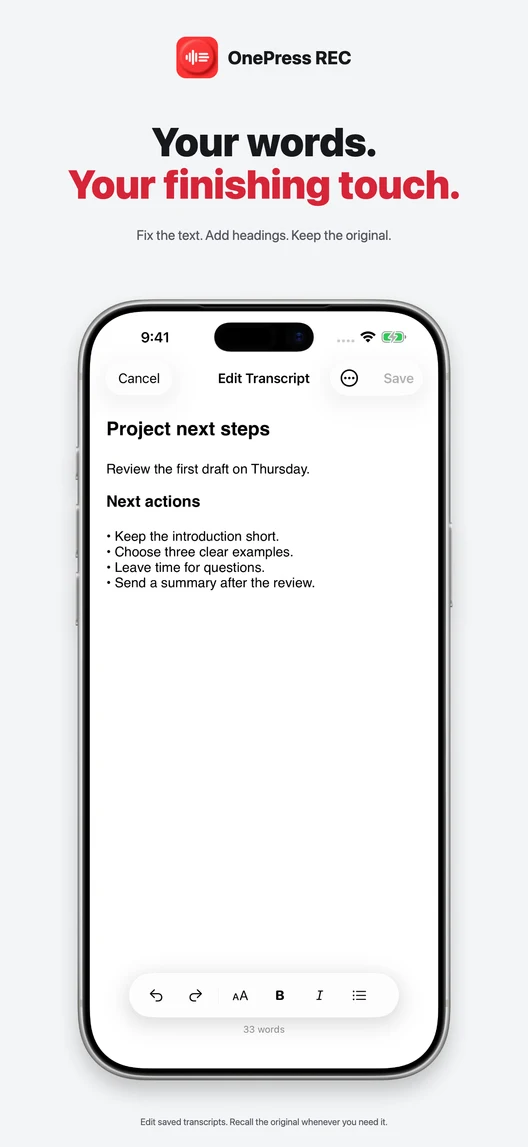
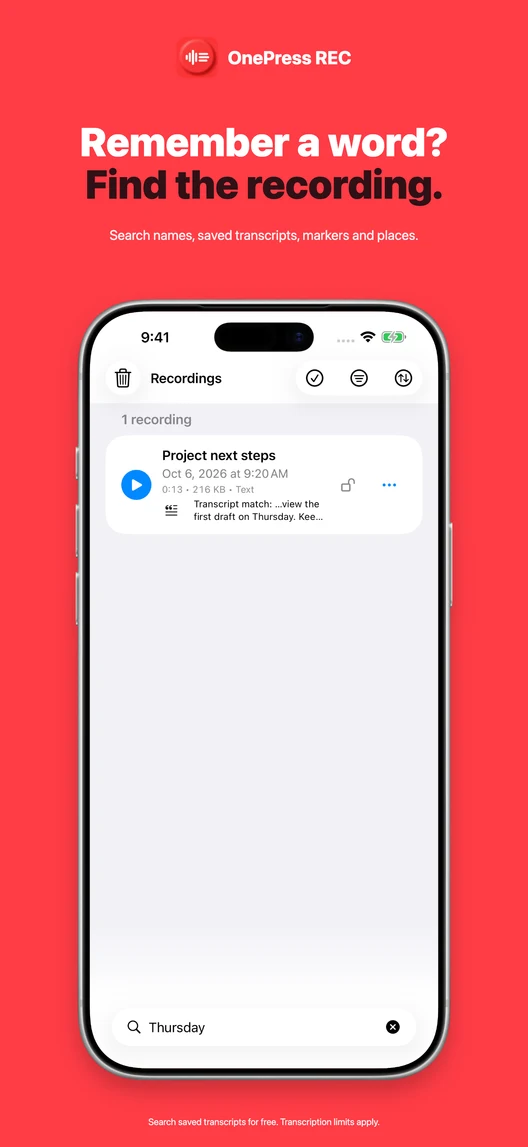
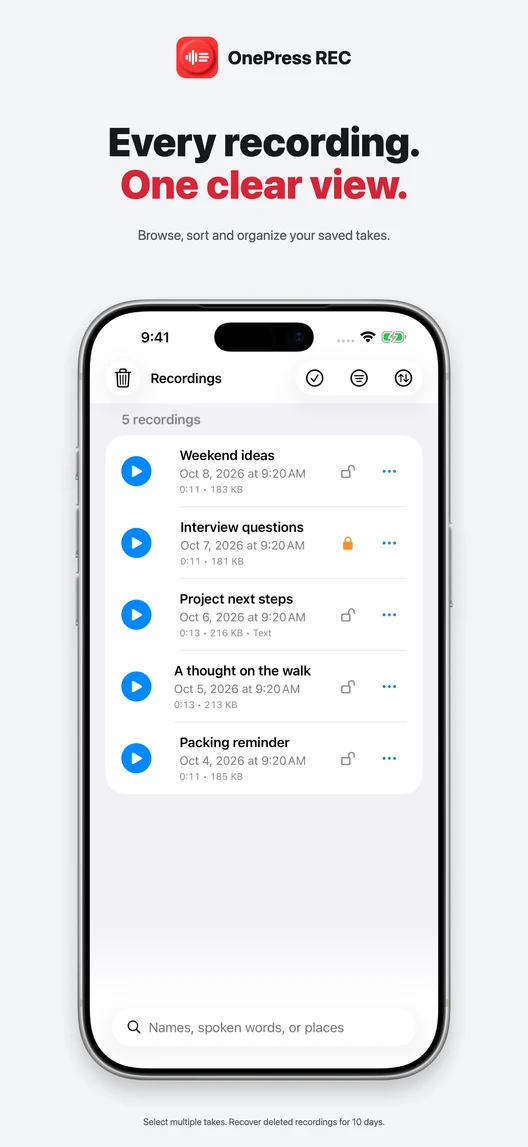
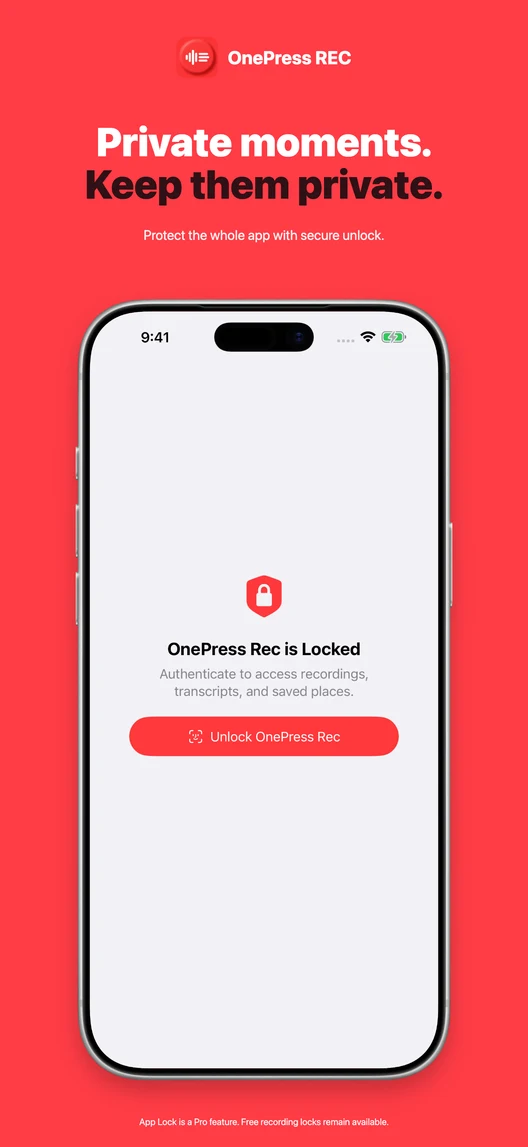
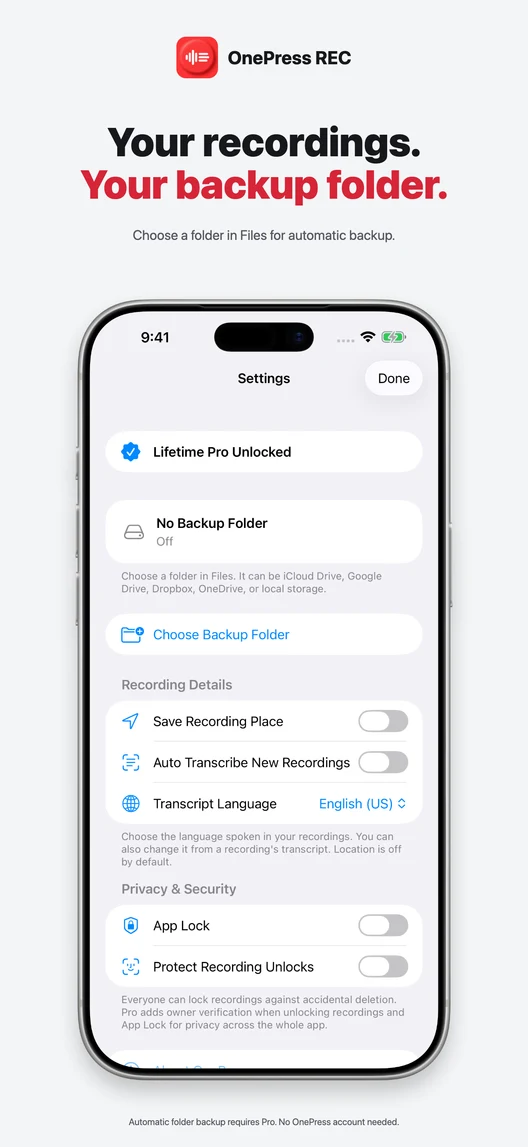
Example recordings and manually edited text. Screenshots illustrate the upcoming version. Existing recordings and lifetime Pro purchases carry forward.
FROM A THOUGHT TO A SEARCHABLE RECORDING
A simple way to keep the words that matter.
A meeting, an idea, a note for later.
One clear button to get started.
Create a transcript of your recording.
Try two manual transcriptions free.*
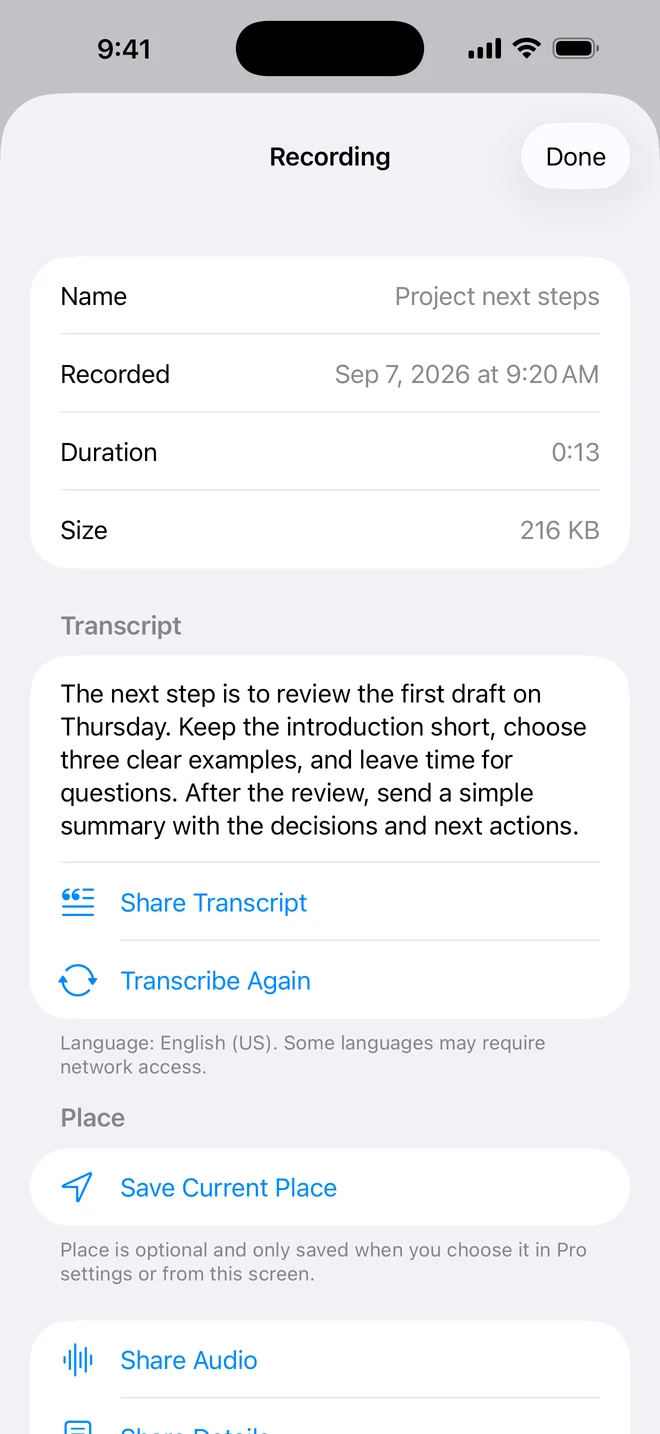
Forgot the title? Search for a word
or phrase in your saved transcripts.
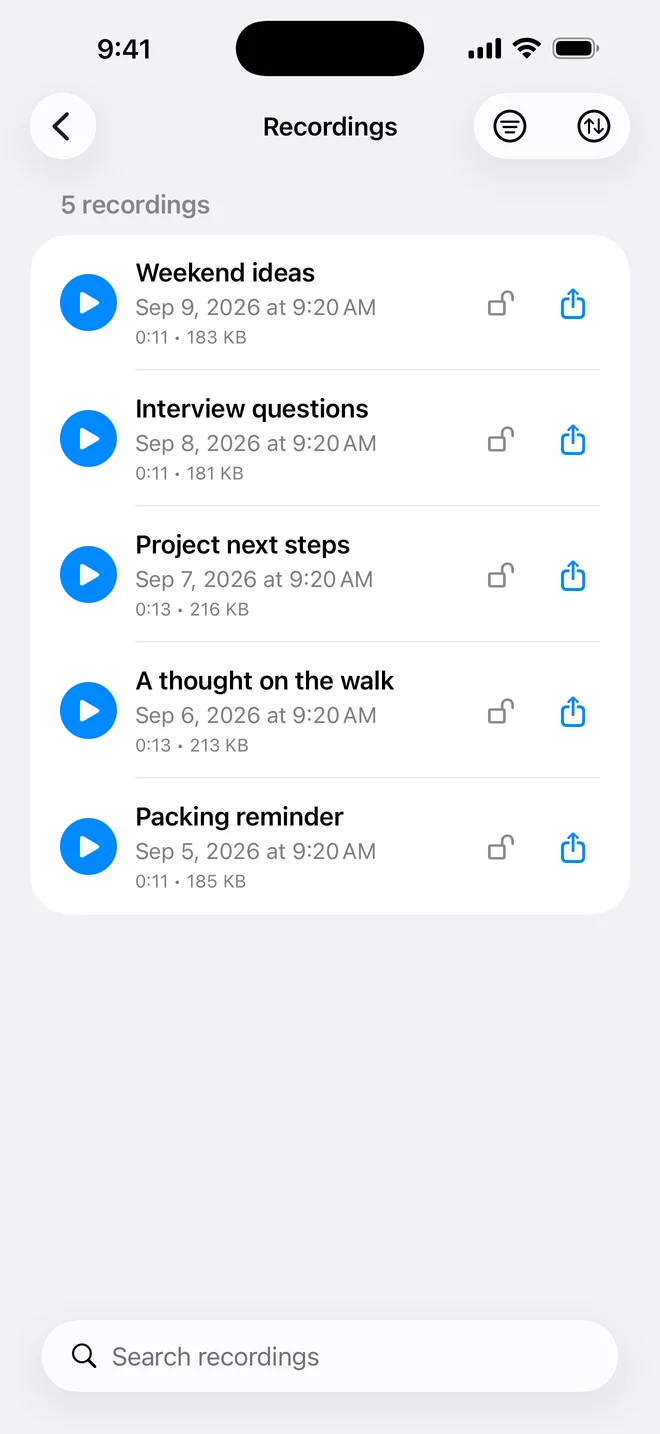
* Two successful manual transcriptions per rolling seven days. Transcription depends on your device, language and Apple's speech service. Spoken-word search requires a completed transcript.
START SIMPLE. KEEP MORE.
One purchase. No subscription. See your local price in the app.
| What's included | Free | Lifetime Pro |
|---|---|---|
| Saved recordings | 10 at a time | Unlimited |
| Manual transcription | 2 per rolling 7 days | Unlimited |
| Search saved transcripts | Included | Included |
| Playback, rename and share | Included | Included |
| Automatic transcription | Not included | Included |
| Accidental deletion locks | Included | Included |
| Authentication before unlocking a recording | Not included | Included |
| App Lock | Not included | Included |
| Automatic Files backup | Not included | Included |
| Save recording locations | Not included | Included |
Record, pause, play, rename and share audio manually. Choose the transcript language, search, filter and sort your library, and lock recordings against accidental deletion.
Back up audio together with recording details and transcript text. Add optional estimated recording places and authentication before unlocking recordings. App Lock also protects access when REC opens or returns from the background.
Pro applies to OnePress Rec, not the whole OnePress family. Unlimited recordings remain subject to available device storage.
Transcription availability and accuracy vary by language and device. Check important details against your audio.
PERSONAL BY DESIGN
No account. No ads. OnePress does not receive your audio or transcripts on its servers. Sharing and backup go to destinations you choose.
Transcription uses Apple Speech Recognition; some languages use Apple's online service. Optional cloud backup uses your selected Files provider.
Read the privacy policy →Yes. Free includes two successful manual transcriptions per rolling seven days. Completed transcripts stay searchable after you use your allowance.
Only recordings with a completed transcript can be found by spoken words. You can also search recording names.
OnePress Rec requires iOS or iPadOS 16 or later. Transcription availability depends on your language, device and Apple's speech service.
No. Lifetime Pro is a one-time in-app purchase. The app shows the current price in your local currency before purchase.
ONEPRESS REC IN 30 SECONDS
LESS SETUP. MORE REMEMBERED.
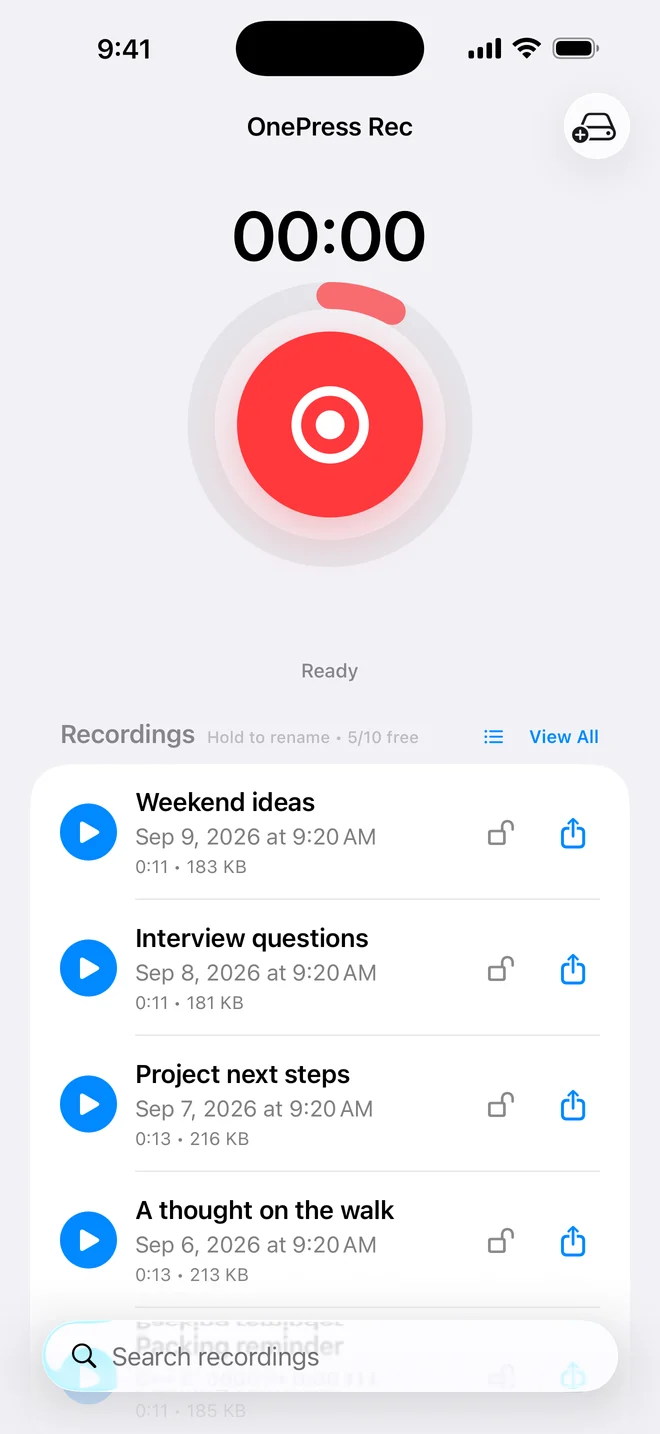
A melody, a thought on a walk, or a note for tomorrow. Open Rec and start recording without creating an account.
Record an interview, lecture, or meeting you want to revisit. Ask everyone involved before recording, and give the file a useful name.
Open View All to search your recordings and sort by date, length, or name. Search saved transcripts for free; Pro also adds optional recording places.
NEW IN VERSION 1.3
Two successful manual transcriptions per rolling seven days. Keep searching completed transcripts after the allowance is used.
Pro can protect access when Rec opens or returns from the background, using Face ID, Touch ID or your device passcode. Exported copies are outside App Lock.
THE REC NOTEBOOK
Practical guides for the recordings you actually make.
COMPARE YOUR OPTIONS
REC, Voice Memos, Just Press Record or Otter? Compare their workflows and limitations.
REC vs Voice MemosSEARCH SPOKEN WORDS · 4 MIN READ
Forgot the title? Search a completed transcript for a phrase, name, or detail you still remember.
Read the guideKEEP A SECOND COPY · 4 MIN READ
A folder you choose, a copy you can check. Set up Rec Pro backup and know where your audio actually goes.
Read the guideSPEECH TO TEXT · 3 MIN READ
Tell Rec which language you recorded, transcribe again, and check the result against the original audio.
Read the guideBEFORE YOU PRESS RECORD
No. The free app can keep up to 10 saved recordings, with playback, rename, manual sharing, and the searchable library. Pro removes that saved-recording limit and adds the features listed above.
Yes, after the recording has a completed transcript. Free includes two successful manual transcriptions per rolling seven days. Open View All and search for a word or phrase you remember saying. Rec searches the saved transcript; it does not search an audio file that has not been transcribed.
See the spoken-word search guideChoose Transcript Language in Settings. Free includes two manual transcriptions per rolling seven days; Pro adds unlimited and automatic transcription. Availability depends on the language, device, and Apple's speech service. Some languages need an internet connection. Always check important names, dates, and numbers against the audio.
Read the transcript language guideNo. Recording locks protect against accidental deletion. With Pro and Require Secure Unlock enabled, iOS asks for Face ID, Touch ID, or your device passcode before removing a recording's lock. This is not a separate encrypted vault or a promise to block playback, sharing, or access to exported copies.
To the folder you select in Files. It can be local storage or an available cloud provider such as iCloud Drive. Provider support and syncing depend on that service. A folder on the same iPhone is not protection against losing the phone.
Set up and check your backupUse Restore Purchases on Rec's Pro screen while signed into the Apple Account used to buy it. Contact support if the purchase still does not appear.
10 saved recordings free. No account needed.