01
Scan or import.
Keep paper receipts and existing PDFs in one library.
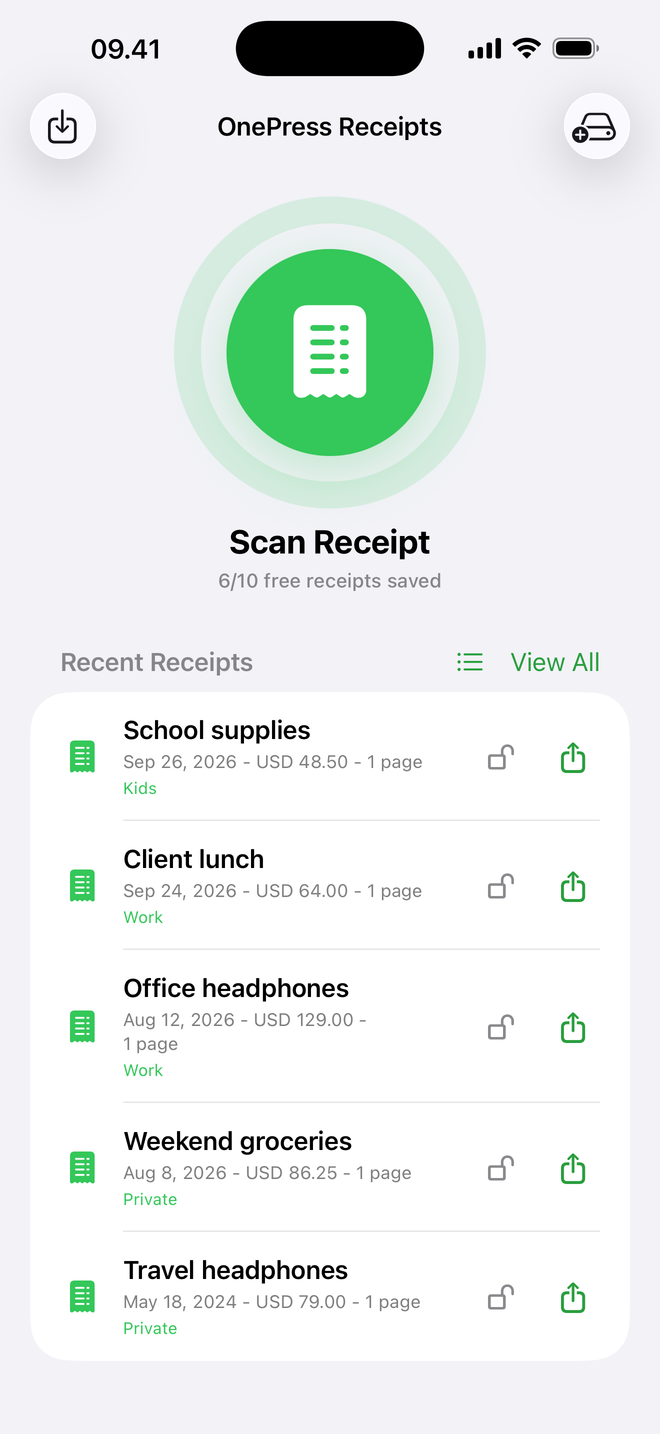
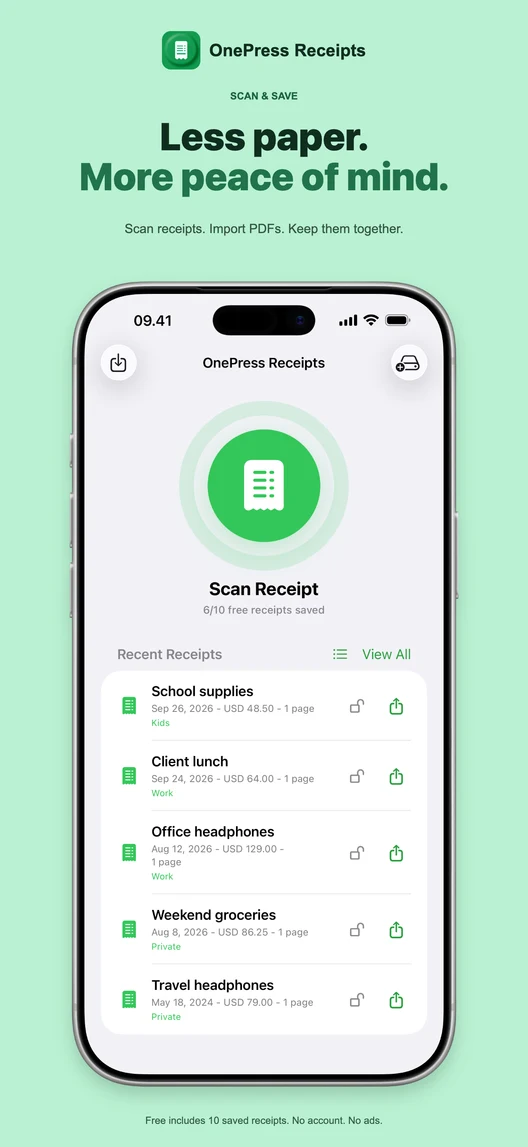
Scan a receipt or import a PDF. Find the right purchase by the shop, a word, a tag or roughly what you paid.

Free to try. Lifetime Pro. No subscription. Free or Pro?
Returns, expenses and those just-in-case moments. Give your receipts a home.
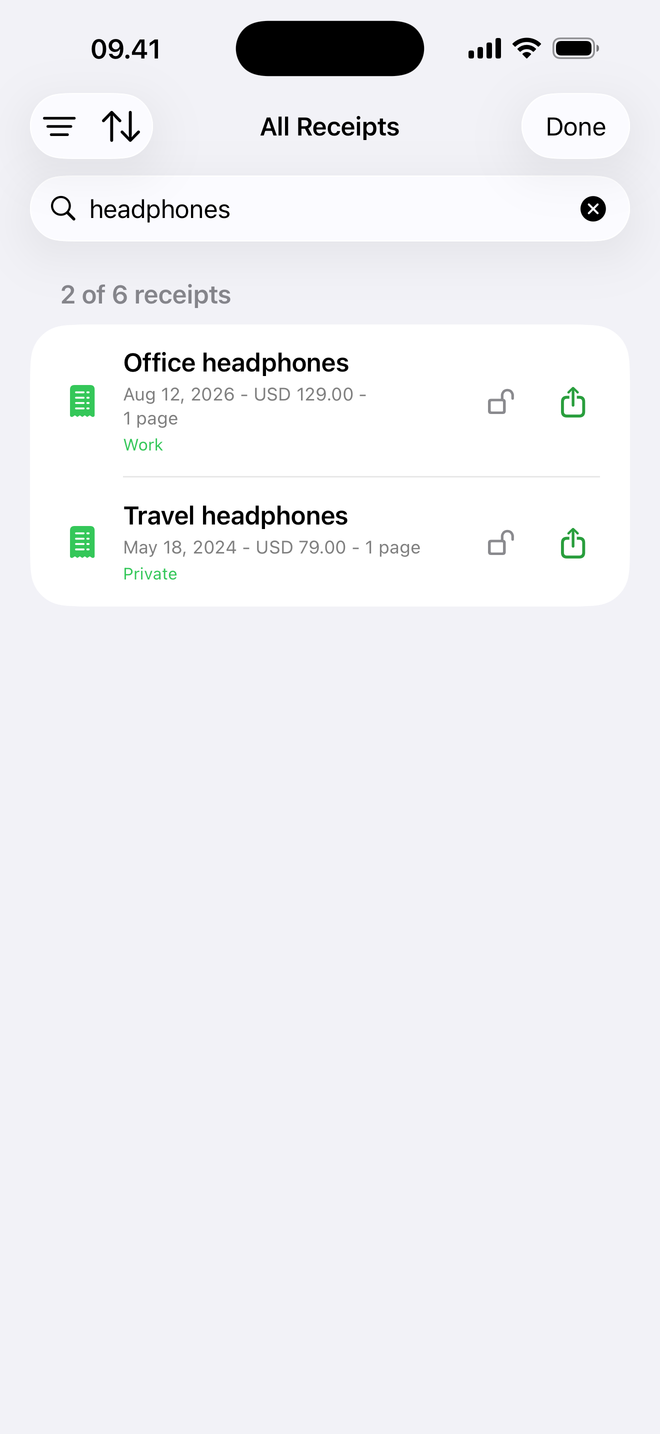
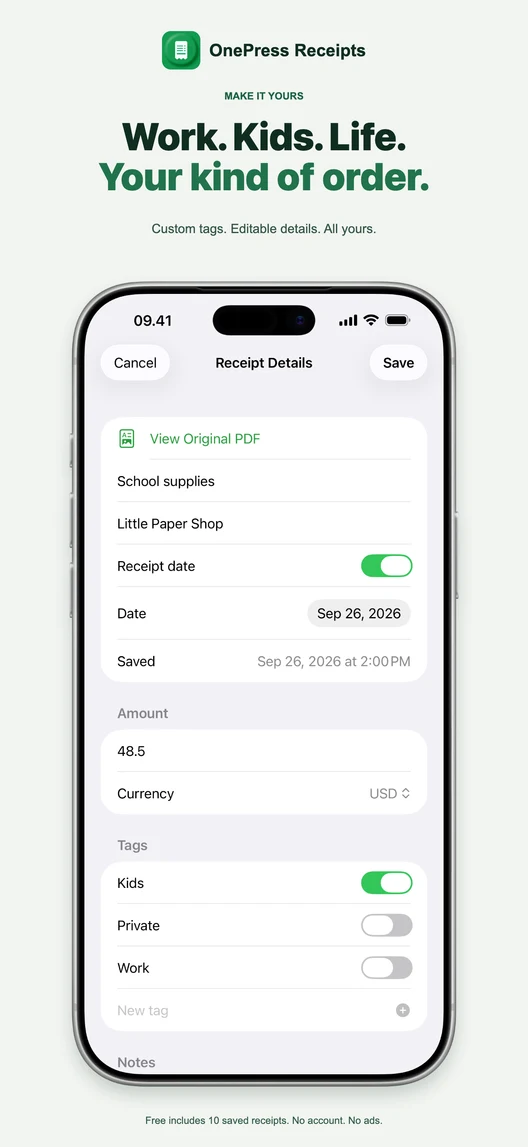
Create tags such as Work, Private or Kids.
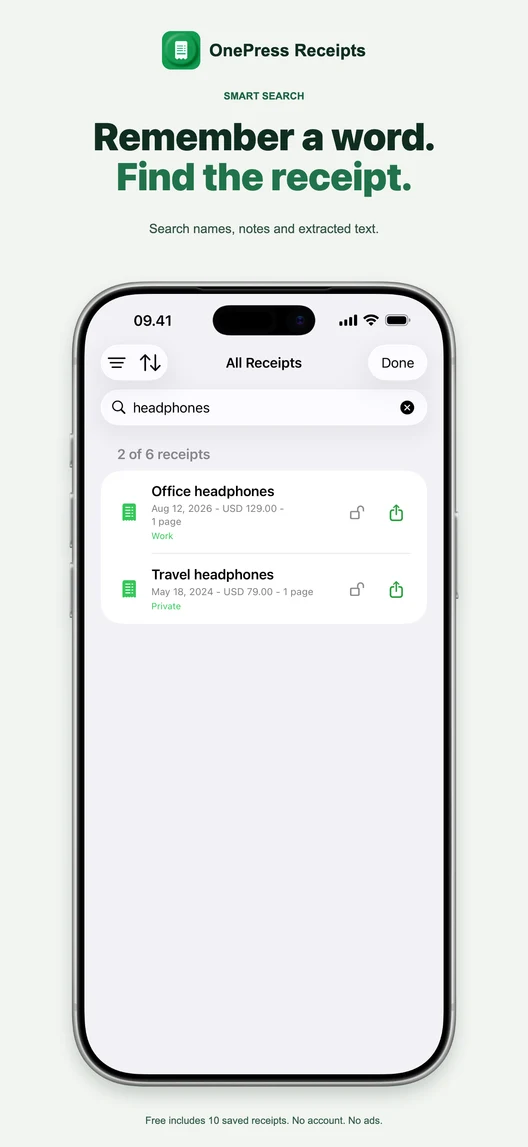
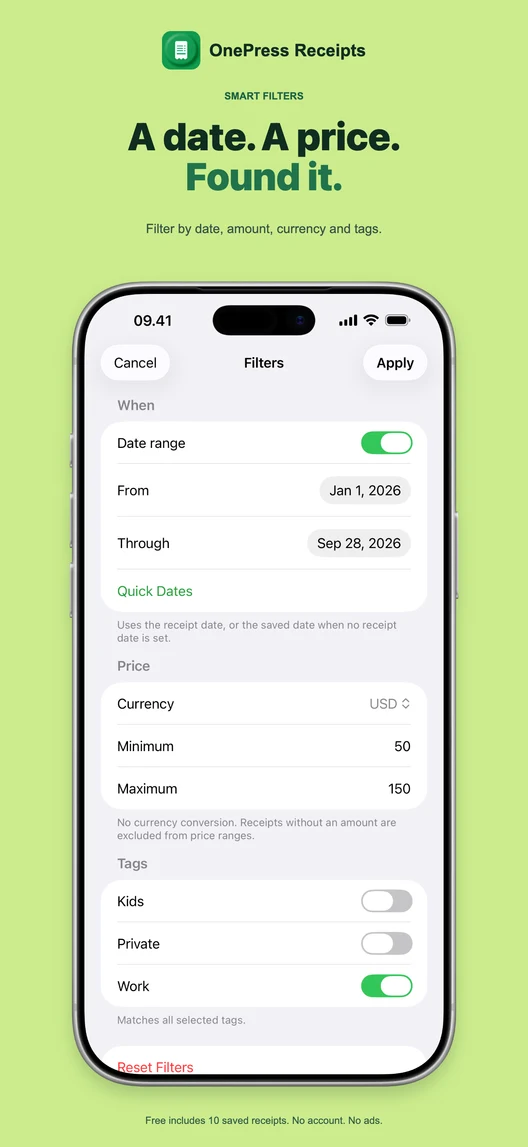
Search words and narrow by date, currency or price.
ONE SIMPLE JOB. DONE WELL.
Keep paper receipts and existing PDFs in one library.
Edit details, add notes and create your own tags.
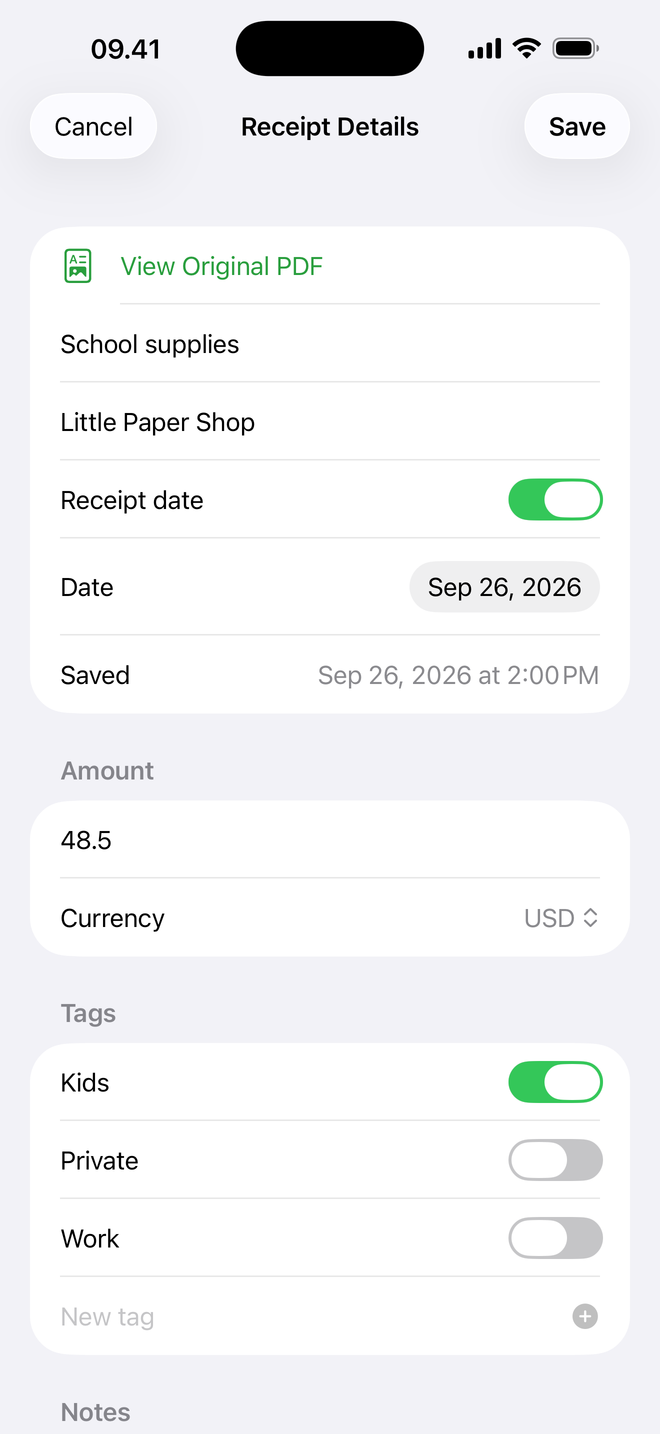
Search extracted text and filter by the details you remember.
Requires iOS/iPadOS 26.4 or later. Imported image-only PDFs are not automatically OCR-processed. Tags, notes and corrected details remain in the app, not in original PDFs. PDF backup does not include the metadata index. Price filters do not convert currencies.
START SIMPLE. KEEP MORE.
One purchase. No subscription. See your local price in the app.
| What's included | Free | Lifetime Pro |
|---|---|---|
| Saved receipts | 10 at a time | Unlimited |
| PDF import and receipt editing | Included | Included |
| Search and smart filters | Included | Included |
| Custom tags | Included | Included |
| App Lock | Not included | Included |
| Accidental deletion protection | Not included | Included |
| Automatic PDF backup | Not included | Included |
Pro is for OnePress Receipts, not the whole OnePress family. Unlimited storage is subject to available device space.
PERSONAL BY DESIGN
Your receipt library stays on your device unless you share or back up PDFs. Pro App Lock protects access; shared and backed-up copies remain outside it.
Imported image-only PDFs are not automatically OCR-processed. Tags, notes and corrected details remain in the app, not in original PDFs. PDF backup does not include the metadata index. Price filters do not convert currencies.
Read the privacy policy →RECEIPTS 1.1.1 - AVAILABLE NOW
The latest App Store screenshots, with real app screens and example receipts.
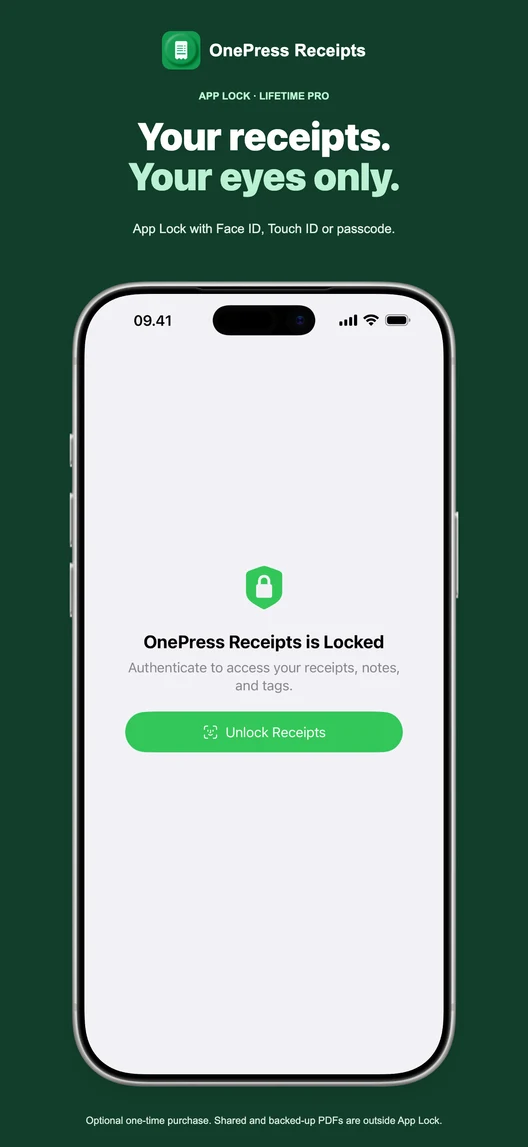
Free includes 10 saved receipts. App Lock requires optional lifetime Pro; shared and backed-up PDFs are outside it. Requires iOS/iPadOS 26.4 or later.
Receipts matter at the worst possible time: returns, expenses, reimbursements, repairs, warranties, taxes, and payment disputes. OnePress Receipts gives those small paper trails one clear place to live.
Capture receipts as local PDFs so the original purchase proof is easier to find than a crumpled paper slip.
Save names, dates, totals, page counts, and notes together so each receipt still makes sense after it is renamed.
Protect receipts tied to returns, warranties, reimbursements, or larger purchases from accidental deletion.
Choose a folder in Files for optional backup, including iCloud Drive, Google Drive, Dropbox, OneDrive, or local storage.
OnePress Receipts is not an accounting system and does not try to be one. It is a small scanner for keeping the receipt itself, the amount, the date, and the reason in one place before the paper disappears.
Your receipts stay on your device unless you export, share, or back them up. No account is required.
Also from OnePress
Use OnePress Scan for general documents and OnePress Rec for audio notes, meetings, and reminders.
No account needed. Start with free.